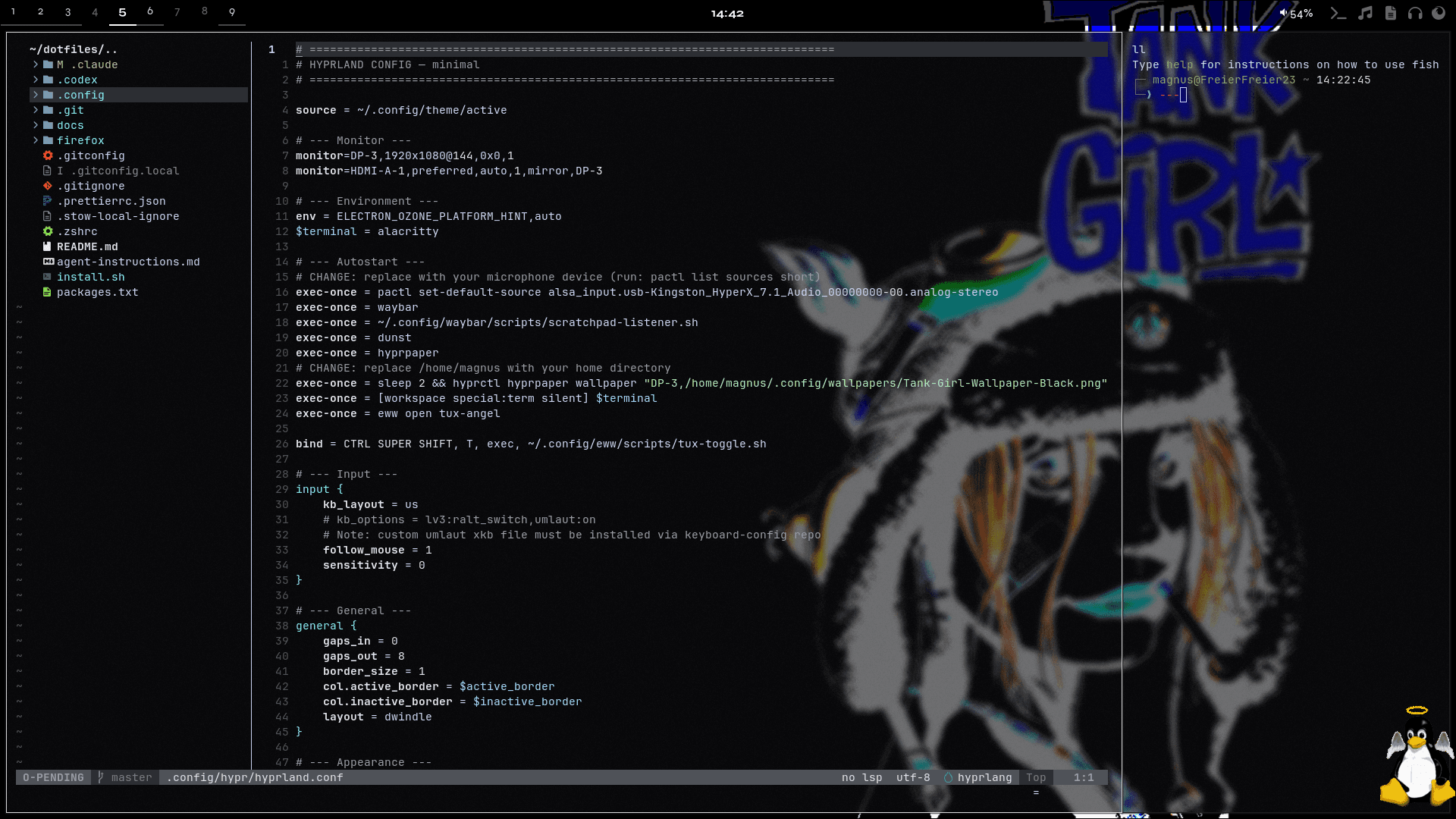
Setup Overview
This section documents the tools, configs, and workflows behind my daily setup. It combines real dotfiles, short tutorials, and practical context so the system is not just shown, but also explained.
The topics below cover the desktop, terminal, shell, notifications, widgets, Git, and supporting tools. Documentation files can be read as rendered guides, while config files stay available as raw source.
hyprlock.conf
.config/hypr/hyprlock.conf
general {
    hide_cursor = true
}

background {
    color = rgb(1e1e2e)
}

input-field {
    monitor =
    size = 300, 50
    position = 0, -80
    halign = center
    valign = center
    outline_thickness = 1
    outer_color = rgb(313244)
    inner_color = rgb(1e1e2e)
    font_color = rgb(cdd6f4)
    fade_on_empty = true
    placeholder_text = <i>Passwort...</i>
    check_color = rgb(89b4fa)
    fail_color = rgb(f38ba8)
    fail_text = <i>Falsch</i>
    capslock_color = rgb(f9e2af)
}

label {
    monitor =
    text = cmd[update:1000] echo "$(date +"%H:%M")"
    color = rgb(cdd6f4)
    font_size = 64
    font_family = MesloLGS Nerd Font
    position = 0, 80
    halign = center
    valign = center
}