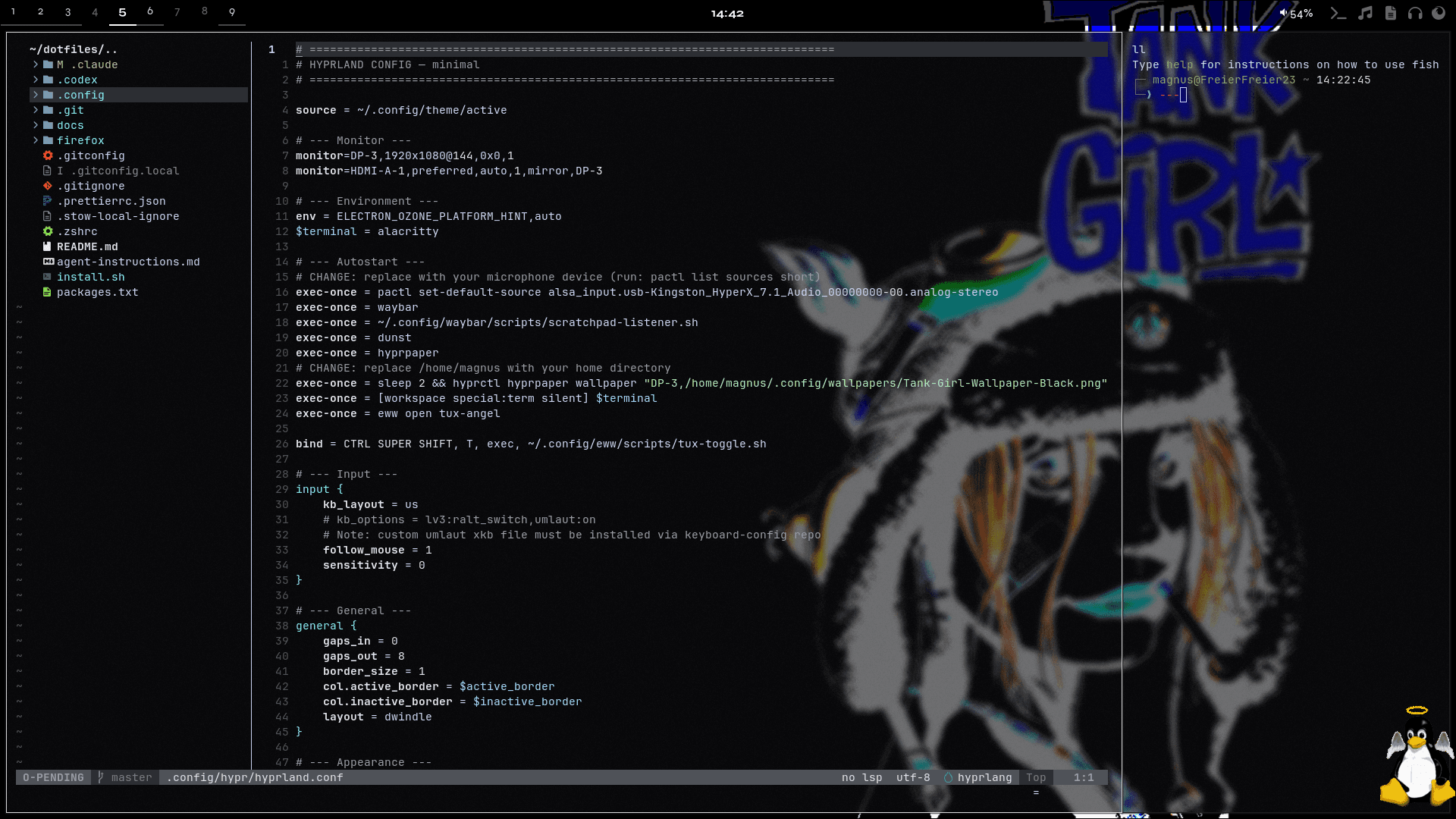
Setup Overview
This section documents the tools, configs, and workflows behind my daily setup. It combines real dotfiles, short tutorials, and practical context so the system is not just shown, but also explained.
The topics below cover the desktop, terminal, shell, notifications, widgets, Git, and supporting tools. Documentation files can be read as rendered guides, while config files stay available as raw source.
README.md
.config/hypr/README.md
Hyprland
SUPER is the main desktop modifier.
Does
- Keyboard-first window control
- Numbered workspaces for daily contexts
- Scratchpads for temporary apps
- Hyprpaper wallpaper setup
- Hyprlock session locking
Desktop Role
Hyprland runs the desktop. Hyprpaper sets the wallpaper. Hyprlock locks the session.
Config
hyprland.lua- Main Hyprland configlua/- Split Lua modules for monitors, binds, workspaces, and appearance
Apps
SUPER+Return- TerminalSUPER+B- FirefoxSUPER+T- Tor BrowserSUPER+Space- App launcher
Session
SUPER+Escape- LockSUPER+F1- SuspendSUPER+S- Area screenshot to fileSUPER+Ctrl+S- Area screenshot to clipboardSUPER+Ctrl+V- Toggle recording
Windows
SUPER+Q- Close windowSUPER+F- FullscreenSUPER+Ctrl+Space- Toggle floatingSUPER+H/J/K/L- Focus left/down/up/rightSUPER+Ctrl+Shift+H/J/K/L- Move window left/down/up/rightSUPER+Shift+H/J/K/L- Resize window left/down/up/right
Workspaces
SUPER+Ctrl+H/L- Previous/next workspaceSUPER+1..9- Go to workspaceSUPER+Ctrl+1..9- Go to workspaceSUPER+Ctrl+Shift+1..9- Move window to workspaceSUPER+Alt+H/L- Move window to previous/next workspace and follow
Scratchpads
SUPER+Ctrl+Return- Terminal scratchpadSUPER+Ctrl+B- Firefox scratchpadSUPER+Ctrl+D- Discord scratchpadSUPER+Ctrl+N- Notes scratchpadSUPER+Ctrl+F- File manager scratchpad
Music
SUPER+Ctrl+M- Enter music modeM- Toggle YouTube MusicL- Toggle local musicEscape- Leave music mode
Workflow
Start from the launcher or terminal, keep long-running work on workspaces, pull scratchpads in only when needed, and move focus with H/J/K/L.